🎉 Up to 70% Off Selected ItemsShop Sale
HomeStore

Samsung book cover keyboard slim Galaxy tab s11 ultra / s11 ultra 5g

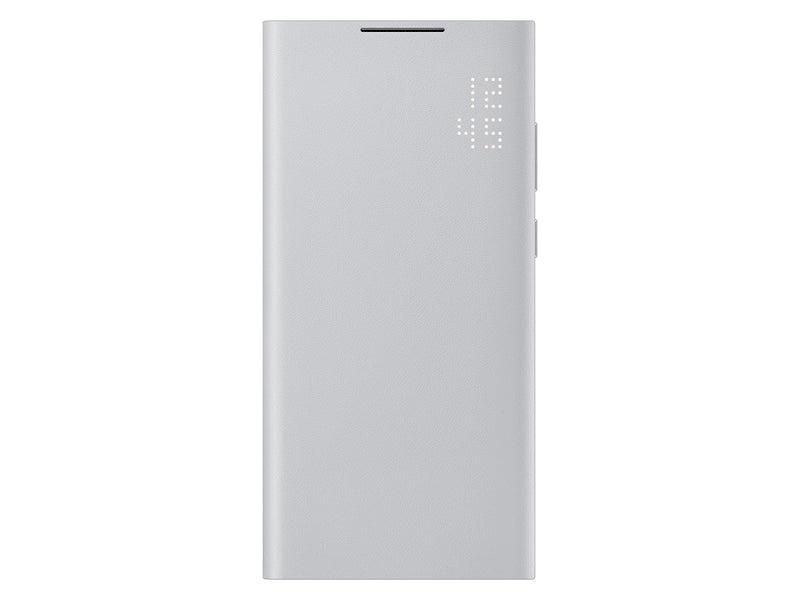
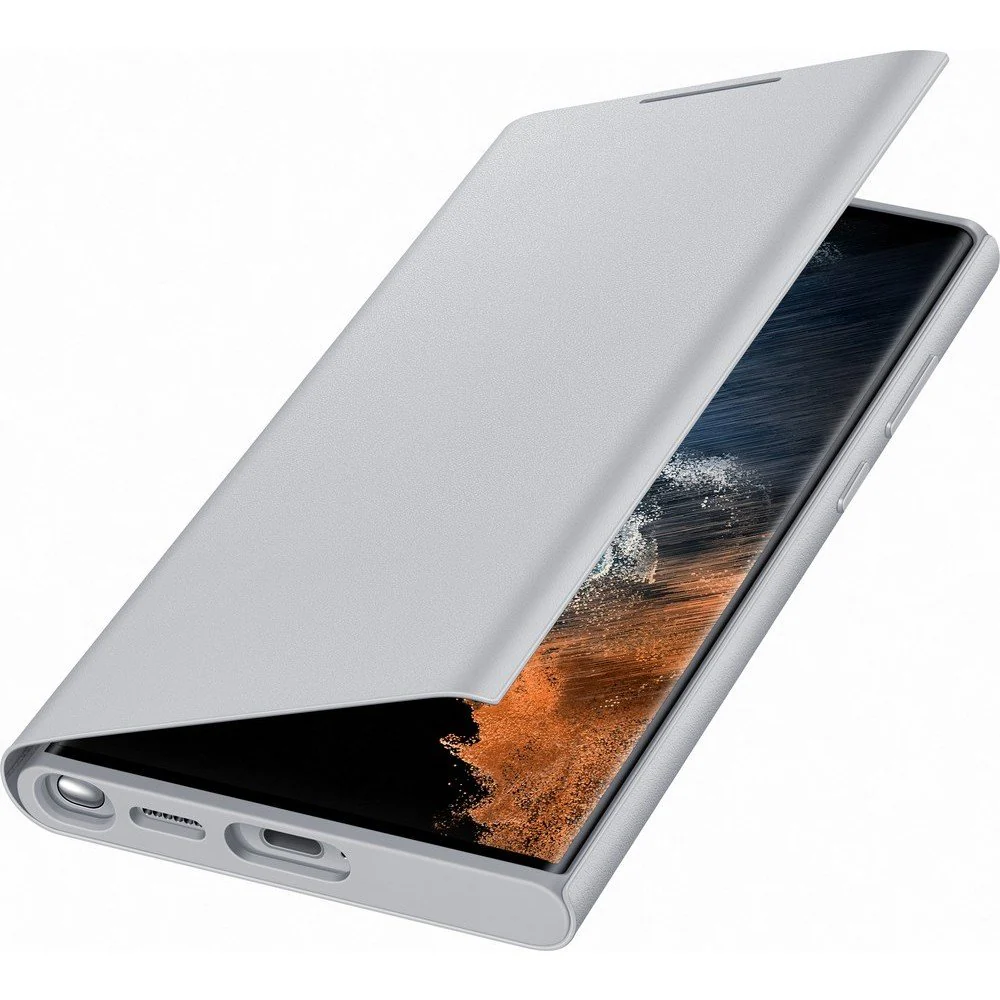
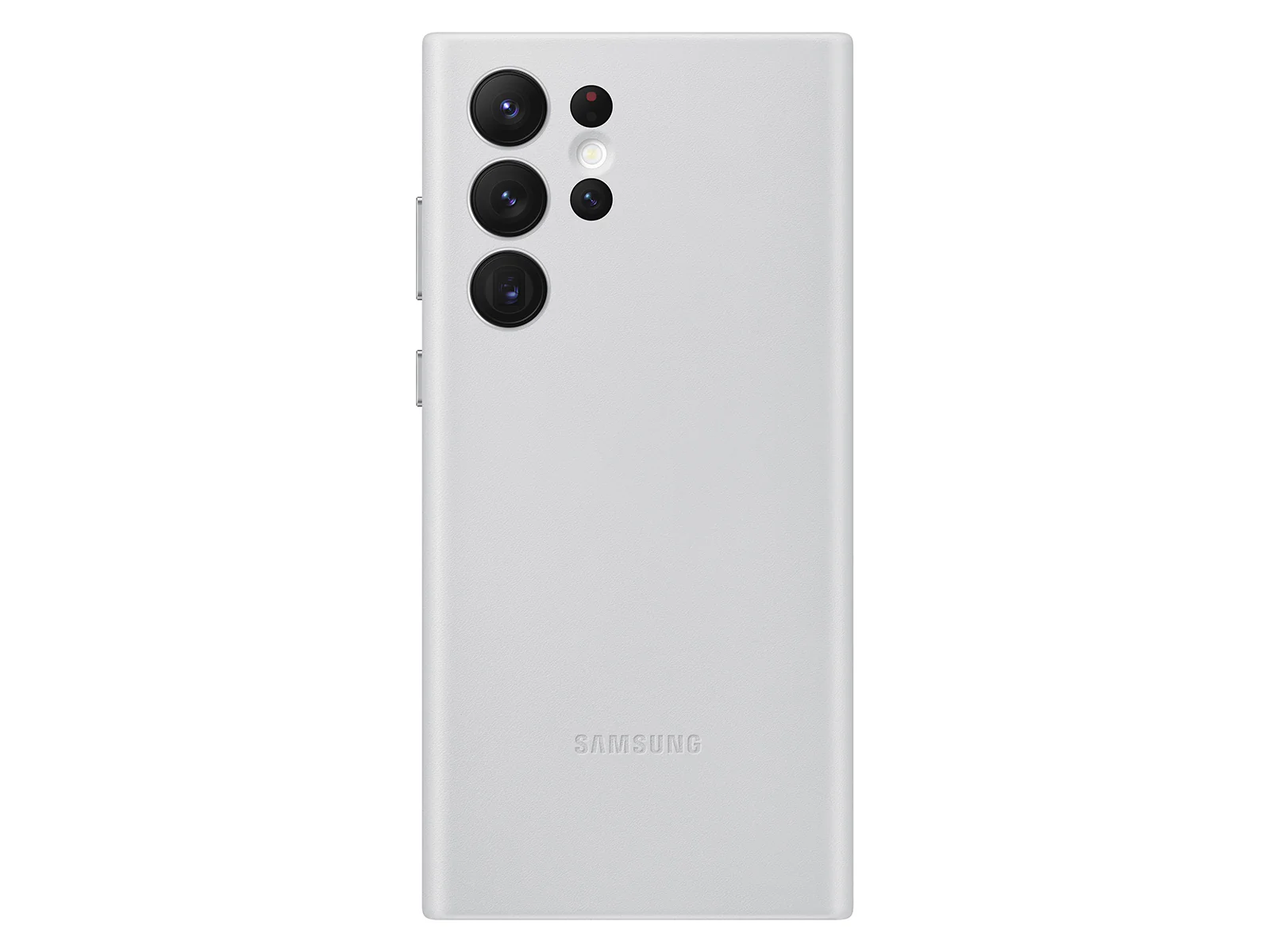
Product image 1
1 / 8
+3

Samsung book cover keyboard slim Galaxy tab s11 ultra / s11 ultra 5g

Book Cover Keyboard Slim for Galaxy Tab S11 Ultra

Black


  • Features
 

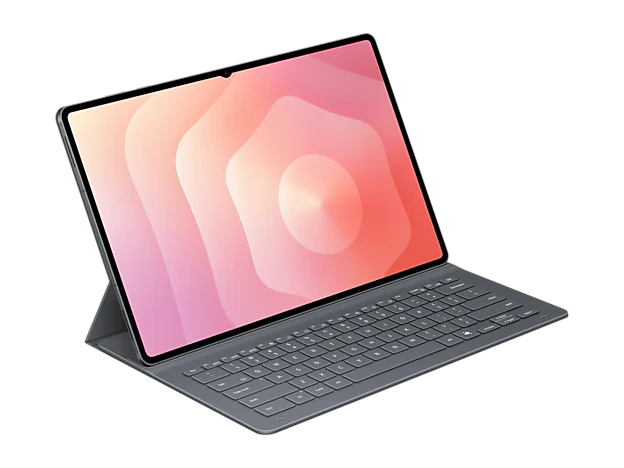
Book Cover Keyboard Slim for Galaxy Tab S11 Ultra Standing1 Black

Features

A sleek fit for a slim tablet

Book Cover Keyboard Slim is designed to move with your day—light, thin, and easy to carry. It complements the slim form of your tablet without adding bulk. The magnetic hold keeps your setup clean, simple, and steady.1

A person types on Galaxy Tab S11 Ultra using Book Cover Keyboard Slim. The screen displays Drawing Assist and Samsung Notes open side by side. The keyboard's sleek fit complements the tablet's design, highlighting a clean, professional setup for creative multitasking.A person types on Galaxy Tab S11 Ultra using Book Cover Keyboard Slim. The screen displays Drawing Assist and Samsung Notes open side by side. The keyboard's sleek fit complements the tablet's design, highlighting a clean, professional setup for creative multitasking.

Your shortcut to smarter work2

Top-down view of Galaxy Tab S11 Ultra with Book Cover Keyboard Slim on, displaying Samsung Notes and a webpage in split view and with Writing Assist in use. A close-up shows the Caps Lock and Fn keys with LED indicators lit. Another close-up highlights the location of the AI Key on the keyboard.Top-down view of Galaxy Tab S11 Ultra with Book Cover Keyboard Slim on, displaying Samsung Notes and a webpage in split view and with Writing Assist in use. A close-up shows the Caps Lock and Fn keys with LED indicators lit. Another close-up highlights the location of the AI Key on the keyboard.

With Book Cover Keyboard Slim, working on your Galaxy Tab feels natural and easy. The LED indicator lights up when Caps Lock or Fn is on, so you know your settings at a glance. Use AI Key to get AI assistance in a tap, and switch into DeX mode for a familiar desktop experience.

 
Top-down view of Galaxy Tab S11 Ultra with Book Cover Keyboard Slim on, displaying Samsung Notes and a webpage in split view and with Writing Assist in use. A close-up shows the Caps Lock and Fn keys with LED indicators lit. Another close-up highlights the location of the AI Key on the keyboard.Top-down view of Galaxy Tab S11 Ultra with Book Cover Keyboard Slim on, displaying Samsung Notes and a webpage in split view and with Writing Assist in use. A close-up shows the Caps Lock and Fn keys with LED indicators lit. Another close-up highlights the location of the AI Key on the keyboard.

Premium finish, inside and out

Book Cover Keyboard Slim features a metal accent around the camera for a premium touch. Its black exterior pairs with a soft grey interior, creating a refined two-tone finish that gives a polished, high-end look.3

 
A close-up of Book Cover Keyboard Slim for Galaxy Tab S11 Ultra with a sleek back design featuring a metal trim around two rear cameras. Another close-up of the keyboard at a different angle with the cover partially open and without the S Pen holder.A close-up of Book Cover Keyboard Slim for Galaxy Tab S11 Ultra with a sleek back design featuring a metal trim around two rear cameras. Another close-up of the keyboard at a different angle with the cover partially open and without the S Pen holder.

Frequently Asked Questions

Book Cover Keyboard Slim is available for Galaxy Tab S11 Ultra. Be sure to select the right cover that's tailored to fit your tablet for optimal protection and functionality.

Book Cover Keyboard Slim offers more than just protection — it includes an integrated keyboard, so you can type comfortably anytime. Its slim and lightweight design keeps your tablet looking sleek while helping you stay productive on the go.

Yes, once Book Cover Keyboard Slim is attached to your Galaxy Tab, you can use the embedded keyboard right away. You can also charge your tablet with a charger and use S Pen while the cover is on.

Yes, Book Cover Keyboard Slim supports the Auto Screen On/Off feature, so the screen on your Galaxy Tab turns off when you close the cover and wakes up when you open it.


Specifications

  • Compatible Models

    Galaxy Tab S11 Ultra

  • Packaging Contents

    Book Cover Keyboard Slim, Leaflet

  • Interface

    POGO

Dimension (WxHxD)

  • 210.6 x 326.9 x 13.2 mm

  • Weight

    466 g

Book Cover Keyboard Slim for Galaxy Tab S11 Ultra

Black


  • Features
 

Book Cover Keyboard Slim for Galaxy Tab S11 Ultra Standing1 Black

Features

A sleek fit for a slim tablet

Book Cover Keyboard Slim is designed to move with your day—light, thin, and easy to carry. It complements the slim form of your tablet without adding bulk. The magnetic hold keeps your setup clean, simple, and steady.1

A person types on Galaxy Tab S11 Ultra using Book Cover Keyboard Slim. The screen displays Drawing Assist and Samsung Notes open side by side. The keyboard's sleek fit complements the tablet's design, highlighting a clean, professional setup for creative multitasking.A person types on Galaxy Tab S11 Ultra using Book Cover Keyboard Slim. The screen displays Drawing Assist and Samsung Notes open side by side. The keyboard's sleek fit complements the tablet's design, highlighting a clean, professional setup for creative multitasking.

Your shortcut to smarter work2

Top-down view of Galaxy Tab S11 Ultra with Book Cover Keyboard Slim on, displaying Samsung Notes and a webpage in split view and with Writing Assist in use. A close-up shows the Caps Lock and Fn keys with LED indicators lit. Another close-up highlights the location of the AI Key on the keyboard.Top-down view of Galaxy Tab S11 Ultra with Book Cover Keyboard Slim on, displaying Samsung Notes and a webpage in split view and with Writing Assist in use. A close-up shows the Caps Lock and Fn keys with LED indicators lit. Another close-up highlights the location of the AI Key on the keyboard.

With Book Cover Keyboard Slim, working on your Galaxy Tab feels natural and easy. The LED indicator lights up when Caps Lock or Fn is on, so you know your settings at a glance. Use AI Key to get AI assistance in a tap, and switch into DeX mode for a familiar desktop experience.

 
Top-down view of Galaxy Tab S11 Ultra with Book Cover Keyboard Slim on, displaying Samsung Notes and a webpage in split view and with Writing Assist in use. A close-up shows the Caps Lock and Fn keys with LED indicators lit. Another close-up highlights the location of the AI Key on the keyboard.Top-down view of Galaxy Tab S11 Ultra with Book Cover Keyboard Slim on, displaying Samsung Notes and a webpage in split view and with Writing Assist in use. A close-up shows the Caps Lock and Fn keys with LED indicators lit. Another close-up highlights the location of the AI Key on the keyboard.

Premium finish, inside and out

Book Cover Keyboard Slim features a metal accent around the camera for a premium touch. Its black exterior pairs with a soft grey interior, creating a refined two-tone finish that gives a polished, high-end look.3

 
A close-up of Book Cover Keyboard Slim for Galaxy Tab S11 Ultra with a sleek back design featuring a metal trim around two rear cameras. Another close-up of the keyboard at a different angle with the cover partially open and without the S Pen holder.A close-up of Book Cover Keyboard Slim for Galaxy Tab S11 Ultra with a sleek back design featuring a metal trim around two rear cameras. Another close-up of the keyboard at a different angle with the cover partially open and without the S Pen holder.

Frequently Asked Questions

Book Cover Keyboard Slim is available for Galaxy Tab S11 Ultra. Be sure to select the right cover that's tailored to fit your tablet for optimal protection and functionality.

Book Cover Keyboard Slim offers more than just protection — it includes an integrated keyboard, so you can type comfortably anytime. Its slim and lightweight design keeps your tablet looking sleek while helping you stay productive on the go.

Yes, once Book Cover Keyboard Slim is attached to your Galaxy Tab, you can use the embedded keyboard right away. You can also charge your tablet with a charger and use S Pen while the cover is on.

Yes, Book Cover Keyboard Slim supports the Auto Screen On/Off feature, so the screen on your Galaxy Tab turns off when you close the cover and wakes up when you open it.


Specifications

  • Compatible Models

    Galaxy Tab S11 Ultra

  • Packaging Contents

    Book Cover Keyboard Slim, Leaflet

  • Interface

    POGO

Dimension (WxHxD)

  • 210.6 x 326.9 x 13.2 mm

  • Weight

    466 g

$52.50

Original: $150.00

-65%
Samsung book cover keyboard slim Galaxy tab s11 ultra / s11 ultra 5g

$150.00

$52.50

Description

Book Cover Keyboard Slim for Galaxy Tab S11 Ultra

Black


  • Features
 

Book Cover Keyboard Slim for Galaxy Tab S11 Ultra Standing1 Black

Features

A sleek fit for a slim tablet

Book Cover Keyboard Slim is designed to move with your day—light, thin, and easy to carry. It complements the slim form of your tablet without adding bulk. The magnetic hold keeps your setup clean, simple, and steady.1

A person types on Galaxy Tab S11 Ultra using Book Cover Keyboard Slim. The screen displays Drawing Assist and Samsung Notes open side by side. The keyboard's sleek fit complements the tablet's design, highlighting a clean, professional setup for creative multitasking.A person types on Galaxy Tab S11 Ultra using Book Cover Keyboard Slim. The screen displays Drawing Assist and Samsung Notes open side by side. The keyboard's sleek fit complements the tablet's design, highlighting a clean, professional setup for creative multitasking.

Your shortcut to smarter work2

Top-down view of Galaxy Tab S11 Ultra with Book Cover Keyboard Slim on, displaying Samsung Notes and a webpage in split view and with Writing Assist in use. A close-up shows the Caps Lock and Fn keys with LED indicators lit. Another close-up highlights the location of the AI Key on the keyboard.Top-down view of Galaxy Tab S11 Ultra with Book Cover Keyboard Slim on, displaying Samsung Notes and a webpage in split view and with Writing Assist in use. A close-up shows the Caps Lock and Fn keys with LED indicators lit. Another close-up highlights the location of the AI Key on the keyboard.

With Book Cover Keyboard Slim, working on your Galaxy Tab feels natural and easy. The LED indicator lights up when Caps Lock or Fn is on, so you know your settings at a glance. Use AI Key to get AI assistance in a tap, and switch into DeX mode for a familiar desktop experience.

 
Top-down view of Galaxy Tab S11 Ultra with Book Cover Keyboard Slim on, displaying Samsung Notes and a webpage in split view and with Writing Assist in use. A close-up shows the Caps Lock and Fn keys with LED indicators lit. Another close-up highlights the location of the AI Key on the keyboard.Top-down view of Galaxy Tab S11 Ultra with Book Cover Keyboard Slim on, displaying Samsung Notes and a webpage in split view and with Writing Assist in use. A close-up shows the Caps Lock and Fn keys with LED indicators lit. Another close-up highlights the location of the AI Key on the keyboard.

Premium finish, inside and out

Book Cover Keyboard Slim features a metal accent around the camera for a premium touch. Its black exterior pairs with a soft grey interior, creating a refined two-tone finish that gives a polished, high-end look.3

 
A close-up of Book Cover Keyboard Slim for Galaxy Tab S11 Ultra with a sleek back design featuring a metal trim around two rear cameras. Another close-up of the keyboard at a different angle with the cover partially open and without the S Pen holder.A close-up of Book Cover Keyboard Slim for Galaxy Tab S11 Ultra with a sleek back design featuring a metal trim around two rear cameras. Another close-up of the keyboard at a different angle with the cover partially open and without the S Pen holder.

Frequently Asked Questions

Book Cover Keyboard Slim is available for Galaxy Tab S11 Ultra. Be sure to select the right cover that's tailored to fit your tablet for optimal protection and functionality.

Book Cover Keyboard Slim offers more than just protection — it includes an integrated keyboard, so you can type comfortably anytime. Its slim and lightweight design keeps your tablet looking sleek while helping you stay productive on the go.

Yes, once Book Cover Keyboard Slim is attached to your Galaxy Tab, you can use the embedded keyboard right away. You can also charge your tablet with a charger and use S Pen while the cover is on.

Yes, Book Cover Keyboard Slim supports the Auto Screen On/Off feature, so the screen on your Galaxy Tab turns off when you close the cover and wakes up when you open it.


Specifications

  • Compatible Models

    Galaxy Tab S11 Ultra

  • Packaging Contents

    Book Cover Keyboard Slim, Leaflet

  • Interface

    POGO

Dimension (WxHxD)

  • 210.6 x 326.9 x 13.2 mm

  • Weight

    466 g

Samsung book cover keyboard slim Galaxy tab s11 ultra / s11 ultra 5g | Classic Phones